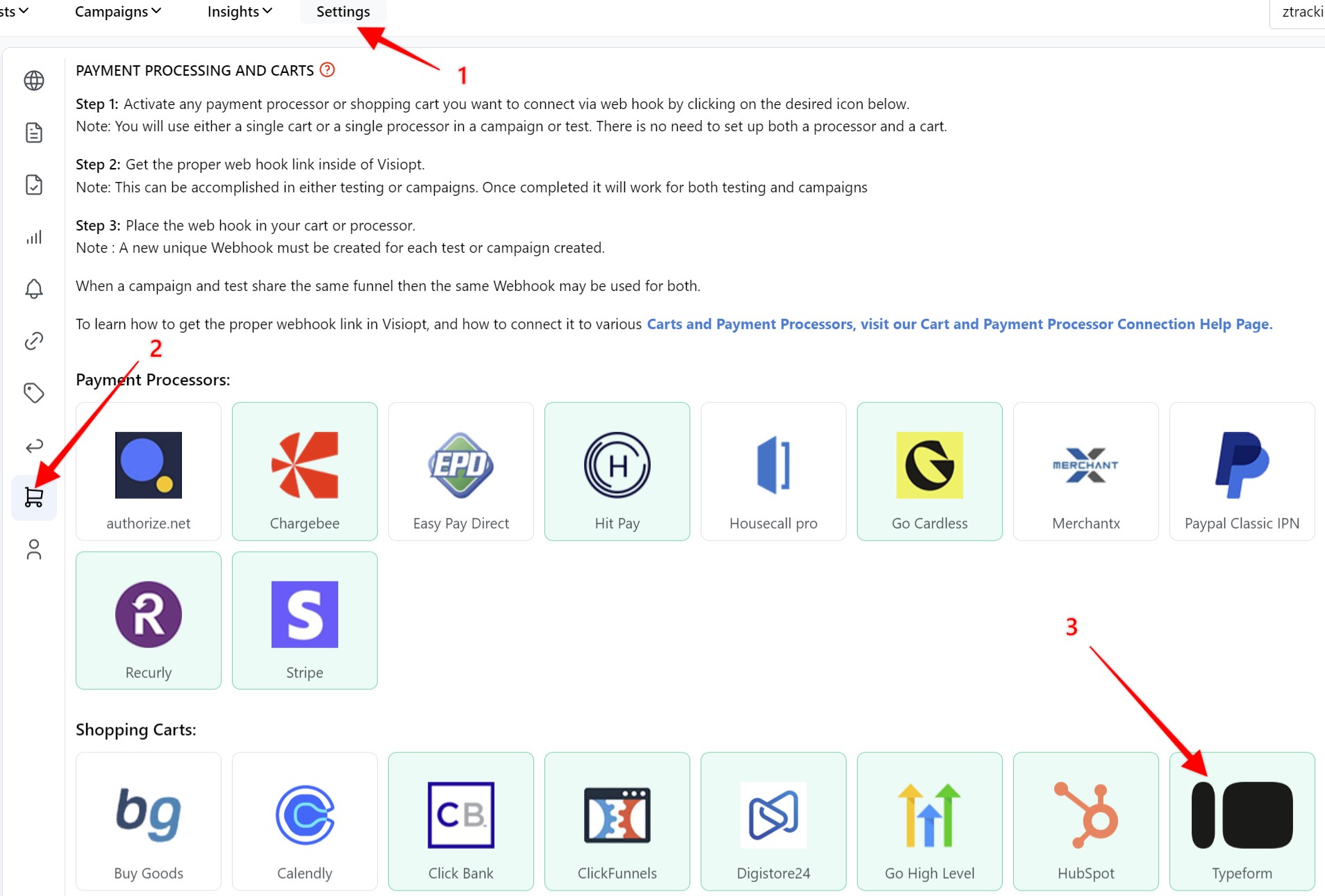
1. Create a new webhook for Typeform in Visiopt. Go to the Settings page > Payment processing and carts > Typeform.
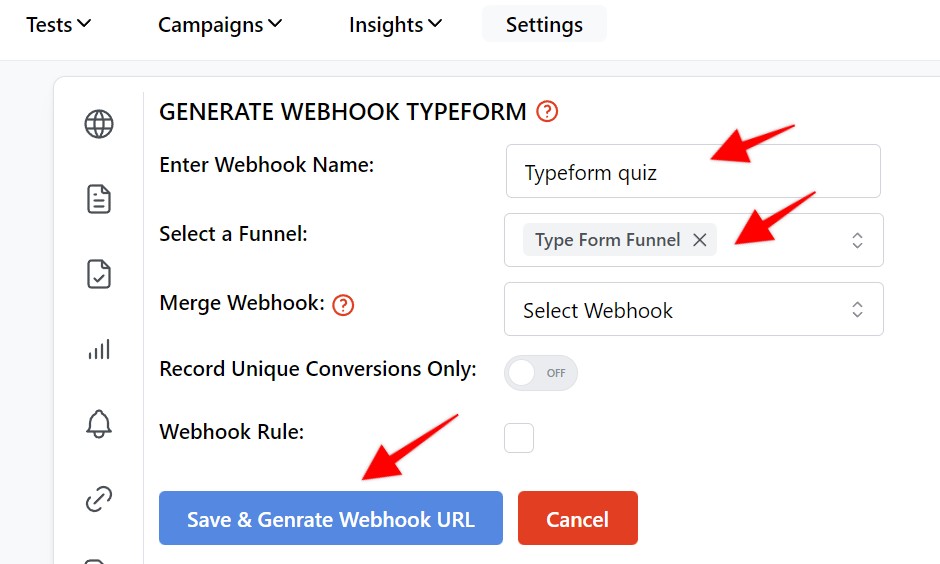
2. Enter a nmae for yoru webhook, select the funnel and click "Save & generate webhook URL" When done copy the generated URL.
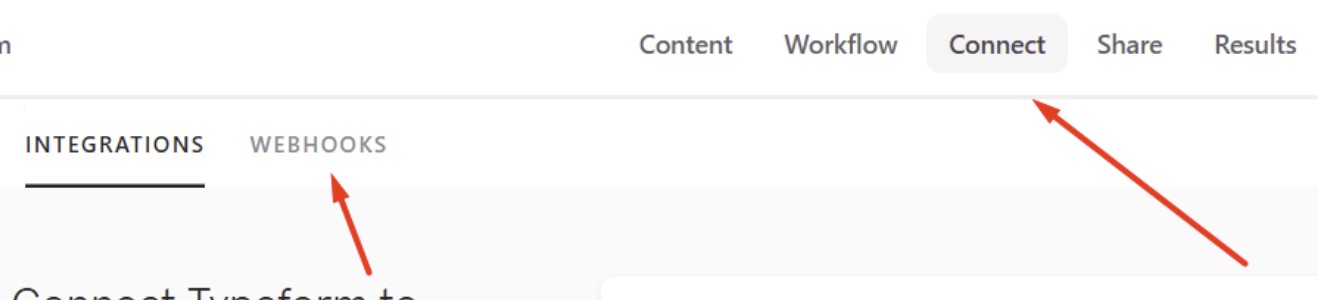
3. Log in to your Typeform account, select teh desired Typeform. Click on Connect, then Webhooks
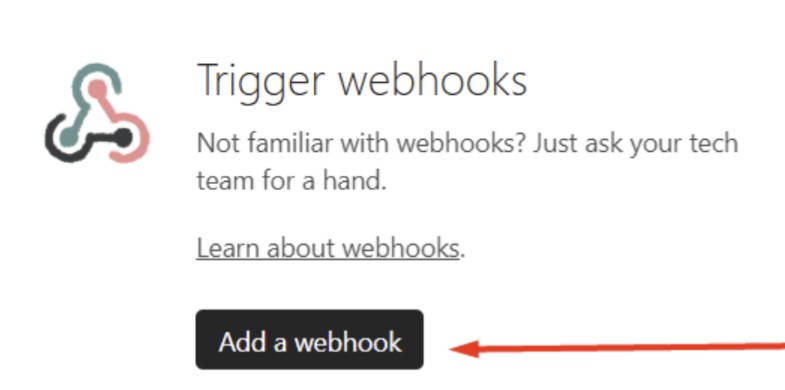
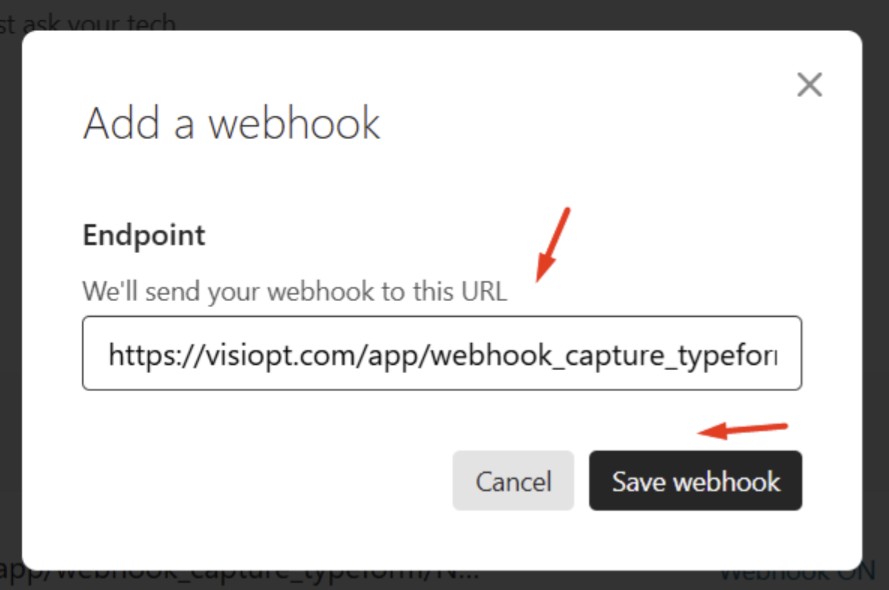
4. Click on “Add a webhook”.
5. paste in twhe webhook URL created in step 2.
Comments
0 comments
Please sign in to leave a comment.