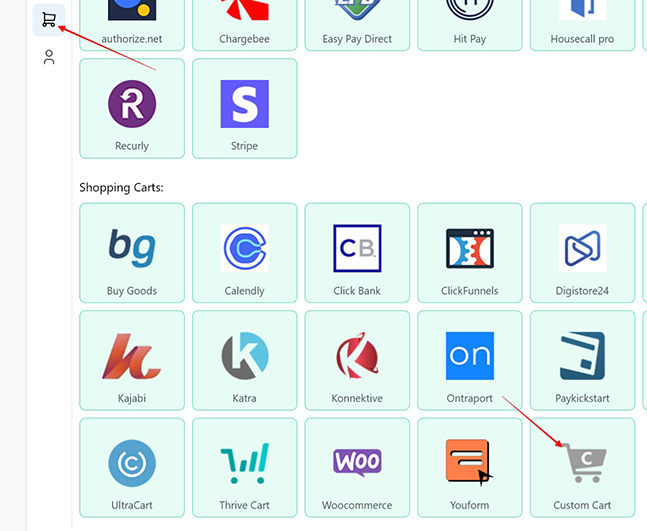
1. Go to the Settings page > then select Payments processing & carts > select the Custom Cart option
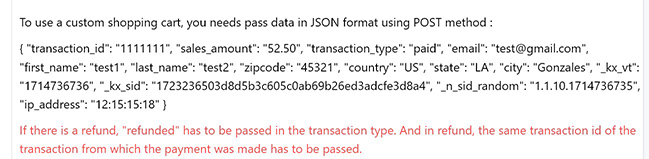
2. There you will see the sample format for JSON data. Those are needed to pass the URL of a webhook using POST method.
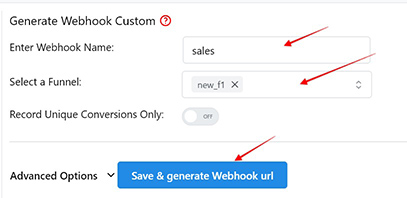
2. Enter a Webhook name, select the Funnel to associate the webhook with, hit Save and Generate Webhook URL
3. Copy the webhook URL
4. Pass the data in this format in the webhook URL
| Field | Description |
|---|---|
| transaction_id | This Field is Required |
| sales_amount | This Field is Required |
| This Field is Required | |
| first_name | This Field is Required |
| last_name | This Field is Required |
| zipcode | This Field is Required |
| country | This Field is Required |
| state | This Field is Required |
| city | This Field is Required |
Comments
0 comments
Article is closed for comments.